fizlint docs
Small CLI linting for JavaScript and TypeScript projects.
Overview
fizzylint is a small terminal linter that scans JavaScript and TypeScript files for a few common mistakes and style issues. It is intentionally simple, quick to run, and easy to understand.
- Works on JavaScript and TypeScript codebases.
- Supports plain linting and a small auto-fix mode.
- Designed as a lightweight CLI project with minimal setup.
Install
Run directly with NPX (no global install required):
Downloads and runs fizzylint instantly for the current session without requiring a global package install.
You can also add it to your project tooling and call it in scripts for CI or pre-commit flows.
Quick Start
- Open your JavaScript or TypeScript project folder.
- Run
fizzylintorfizzylint lint .to scan the project. - Run
fizzylint fix .to apply supported fixes. - Run
fizzylint helpif you want to see the available commands.
Command Reference
Runs fizzylint on the current folder using its default behavior, giving you a quick full-project check.
Automatically fixes supported issues such as formatting and straightforward rule violations across the project.
Performs lint checks only and prints diagnostics without changing your files.
Prints the small built-in help message with the current commands.
What It Checks
- Trailing whitespace
- Loose equality such as
==and!= varusageconsole.log,console.debug, andconsole.infodebuggerstatements
What Fix Mode Changes
fizzylint fix . only applies the small safe fixes that are built into the CLI.
- Removes trailing whitespace.
- Upgrades
==to===. - Upgrades
!=to!==. - Leaves the other warnings as review-only issues.
When To Use Each Command
- Use
fizzylintfor the quickest project scan. - Use
fizzylint lint .before every commit. - Use
fizzylint fix .after a refactor or formatting-heavy changes. - Use
fizzylint helpwhen you forget the command list.
Troubleshooting
Command not found
Run with npx fizzylint to ensure the package is resolved correctly.
Too many issues at once
Start with fizzylint fix ., then run fizzylint lint . to review remaining items.
Not sure what commands exist
Run fizzylint help to print the current command list.
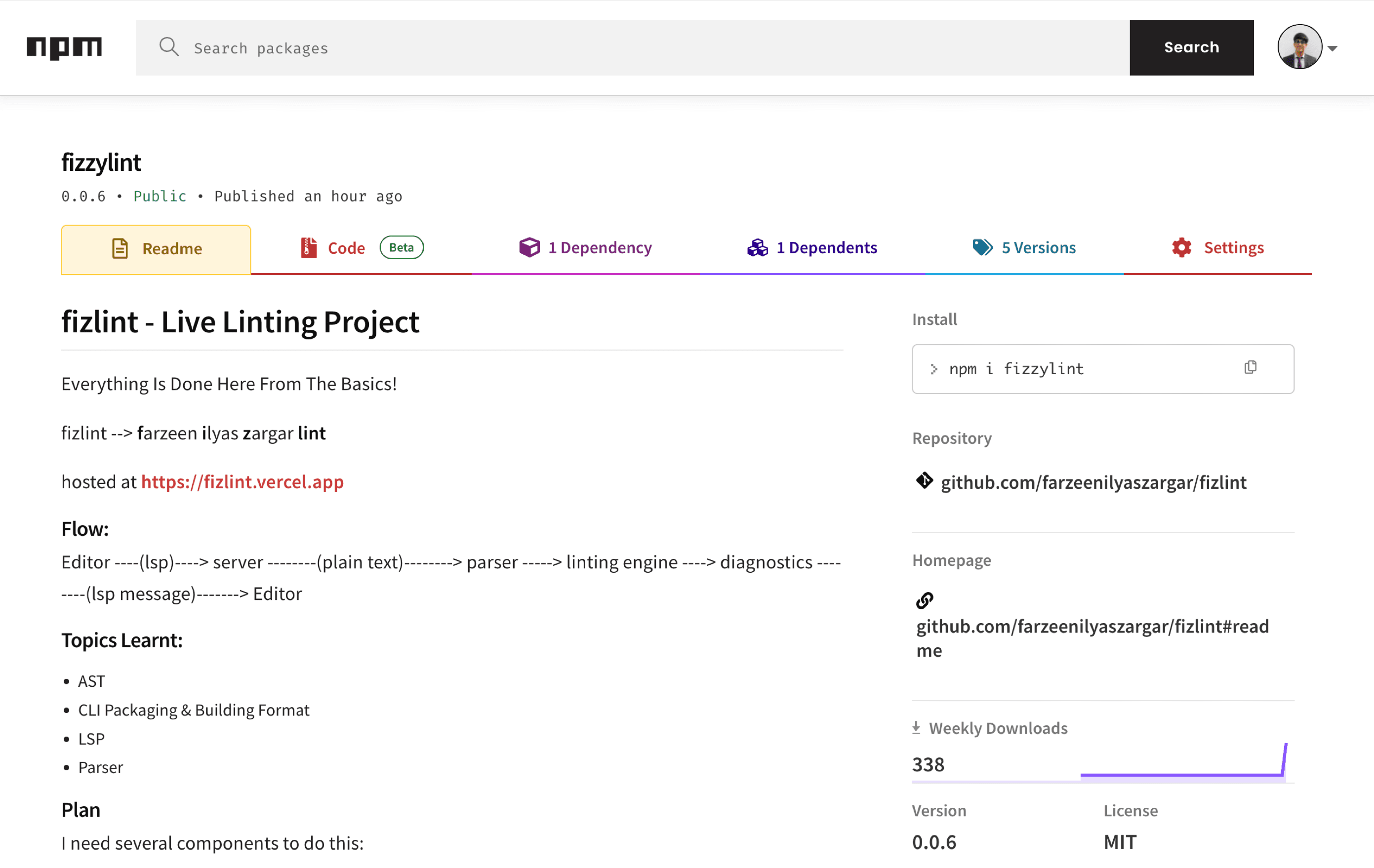
Check out on npm
Visit the official package page for installs, version info, and usage updates.
Open fizzylint package